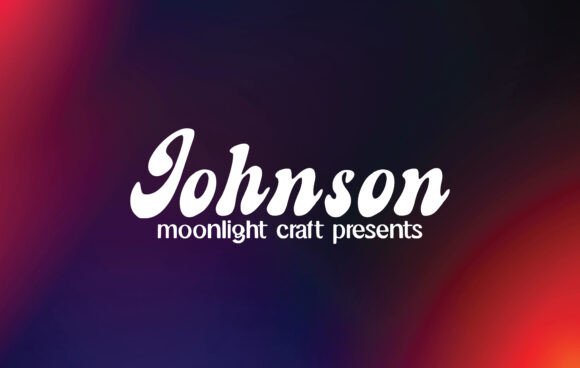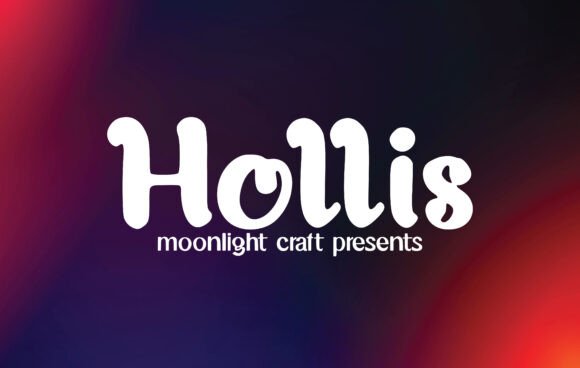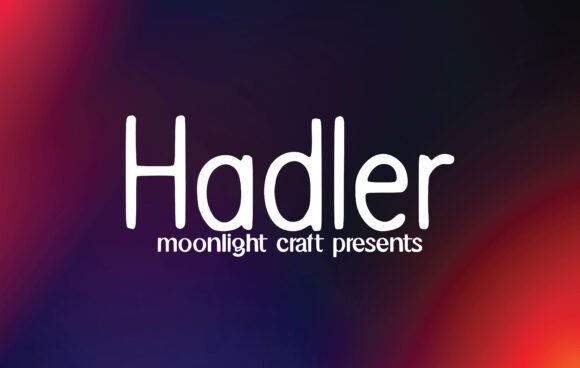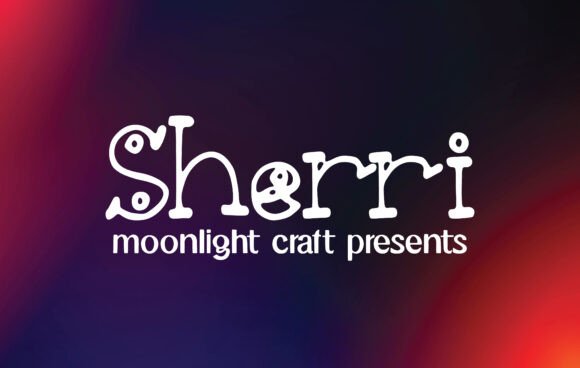
Javira: A Bold Handwritten Font for Web Design
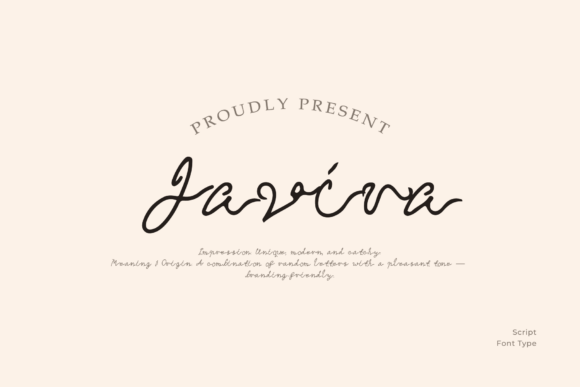
Javira is a striking handwritten font that brings a sense of confidence and style to any digital project. As a web designer, I look for typefaces that not only catch the eye but also enhance the overall user experience. Javira delivers on both fronts with its dynamic and nostalgic character.
Designed as a script handwritten font, Javira has a natural flow that makes it ideal for headlines, logos, and visual accents. Its bold strokes and fluid curves give it a strong personality, making it perfect for branding that needs to stand out. Whether you're working on a landing page or an online store, Javira can add a touch of elegance and energy to your design.
Enhancing Visual Hierarchy and Brand Tone
In web design, visual hierarchy is crucial for guiding users through content. Javira excels in this area by drawing attention to key elements like hero headers, call-to-action buttons, and section titles. Its expressive nature helps create a clear focal point, which is essential for conversion-focused layouts.
When used in brand identity projects, Javira can communicate a specific tone. Its confident and dynamic appearance works well for brands that want to convey creativity, professionalism, or a personal touch. For example, a boutique online store might use Javira for product headings to evoke a sense of exclusivity and craftsmanship.
Practical Applications for Digital Designers
Javira is versatile enough to be used across various digital platforms. On a creative portfolio site, it can serve as the main headline for a designer’s name or a project title, adding a unique flair to the layout. In a coaching website, it might appear in a banner or section heading to reinforce the brand’s message of inspiration and growth.
For SaaS founders and digital product creators, Javira can be an effective tool in landing pages and sales copy. It pairs well with simpler fonts, such as a sans serif for body text, allowing for a balanced and readable design. This combination is especially useful for course sales pages, where clarity and visual appeal are both important.
Readability and Responsive Design Considerations
While Javira is a display font, it remains highly readable when used appropriately. On mobile screens, it works best in larger sizes, ensuring that users can easily scan through content without strain. When placed on dark backgrounds or image overlays, it maintains good contrast, making it suitable for banners and social media graphics.
For small buttons or short phrases, Javira adds a decorative yet legible touch. However, it's best avoided for long blocks of text due to its intricate details, which can reduce readability. Instead, use it as a supporting element to highlight key messages or add a personal signature to your design.
Font Pairing and Style Options
Pairing Javira with other fonts can help achieve a cohesive design. A common approach is to pair it with a clean sans serif for body copy, creating a contrast that enhances both aesthetics and usability. For editorial designs or blog headers, combining it with a serif font can add depth and sophistication.
When selecting a font for web use, it's important to check the available styles, file formats, and multilingual support. Javira likely includes multiple weights and alternates, giving designers more flexibility in their projects. Webfont availability ensures that it can be seamlessly integrated into websites without compromising performance.
Commercial Licensing and Usage
As a premium font, Javira comes with commercial licensing options that allow for use in websites, client projects, and online stores. Always verify the license terms to ensure compliance, especially when using it for client work or public-facing assets. This is particularly important for digital templates and brand kits that may be shared or sold.
Whether you're designing a digital brand kit or crafting a landing page, Javira offers a stylish and functional solution. Its ability to blend creativity with clarity makes it a valuable addition to any designer’s toolkit. By understanding how to use it effectively, you can elevate your web design projects and create a stronger online presence.